 快看漫画 8.23.0
 米哈云游 2.115.0
 火影忍者-疾风传 1.76.76.8
 美柚 9.05.0.0
 高铁管家 8.8.6
 豆丁书房 5.0.5
 Motionblinds Matter Bridge电脑版介绍:Motionblinds Matter Bridge电脑版应用让用户通过智能手机随时随地控制智能窗帘,实现自动化管理。用户可设置定时开关、调节遮光程度,并创建个性化场景以配合日常生活节奏。该桥接器兼容Apple Home、Google Home等主流智能家居平台,能与灯光、温控等设备联动。通过简单触控或语音指令,即可轻松实现节能调光与隐私管理,打造舒适便捷的居住体验。
应用介绍
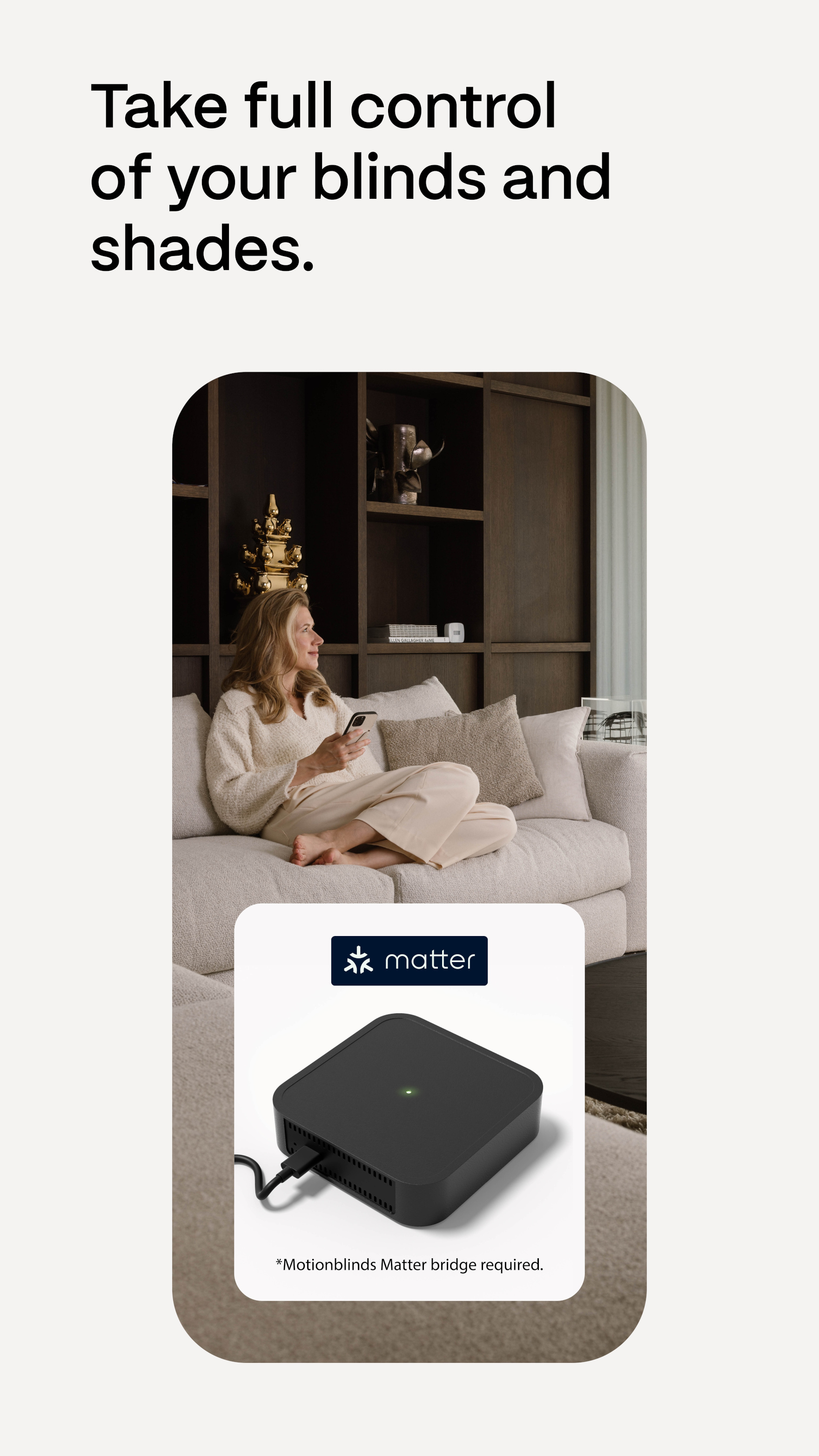
Take full control of your smart blinds with the Motionblinds Matter Bridge app.
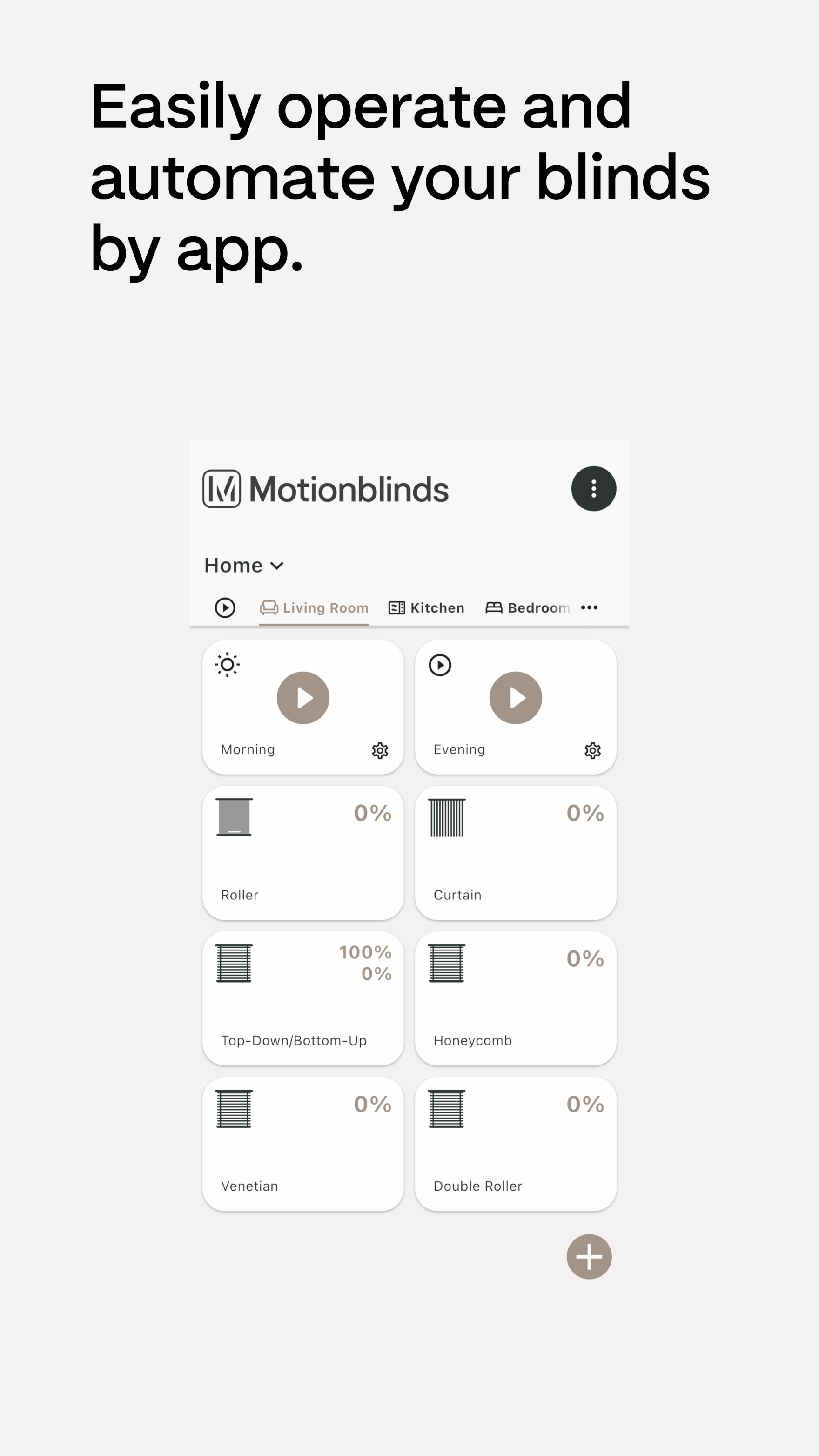
Easily manage and automate your blinds from anywhere using the app on your smartphone. Set schedules, adjust levels, and create personalized scenes for a comfortable and energy-efficient home.
The Matter Bridge connects Motionblinds to smart home platforms like Apple Home, Google Home, Amazon Alexa, Samsung SmartThings to make your blinds work with other devices, like lighting and thermostats. Whether you're at home or away, easily control your blinds with just a few taps or voice commands.
Key Features:
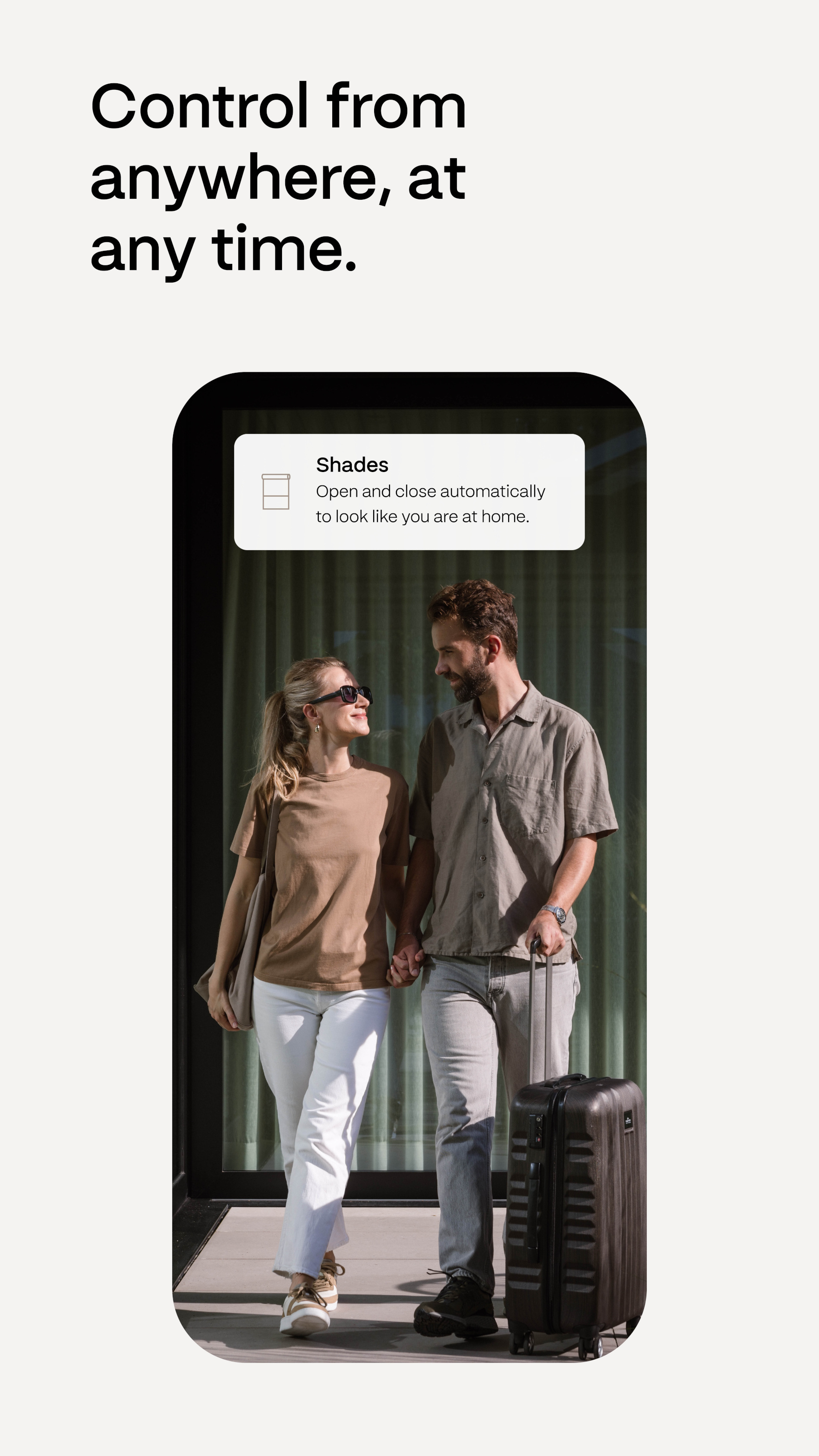
• Control Motionblinds from anywhere at any time
• Schedule blinds to open and close automatically
• Customize scenes to match your daily routines
• Compatible with major smart home platforms
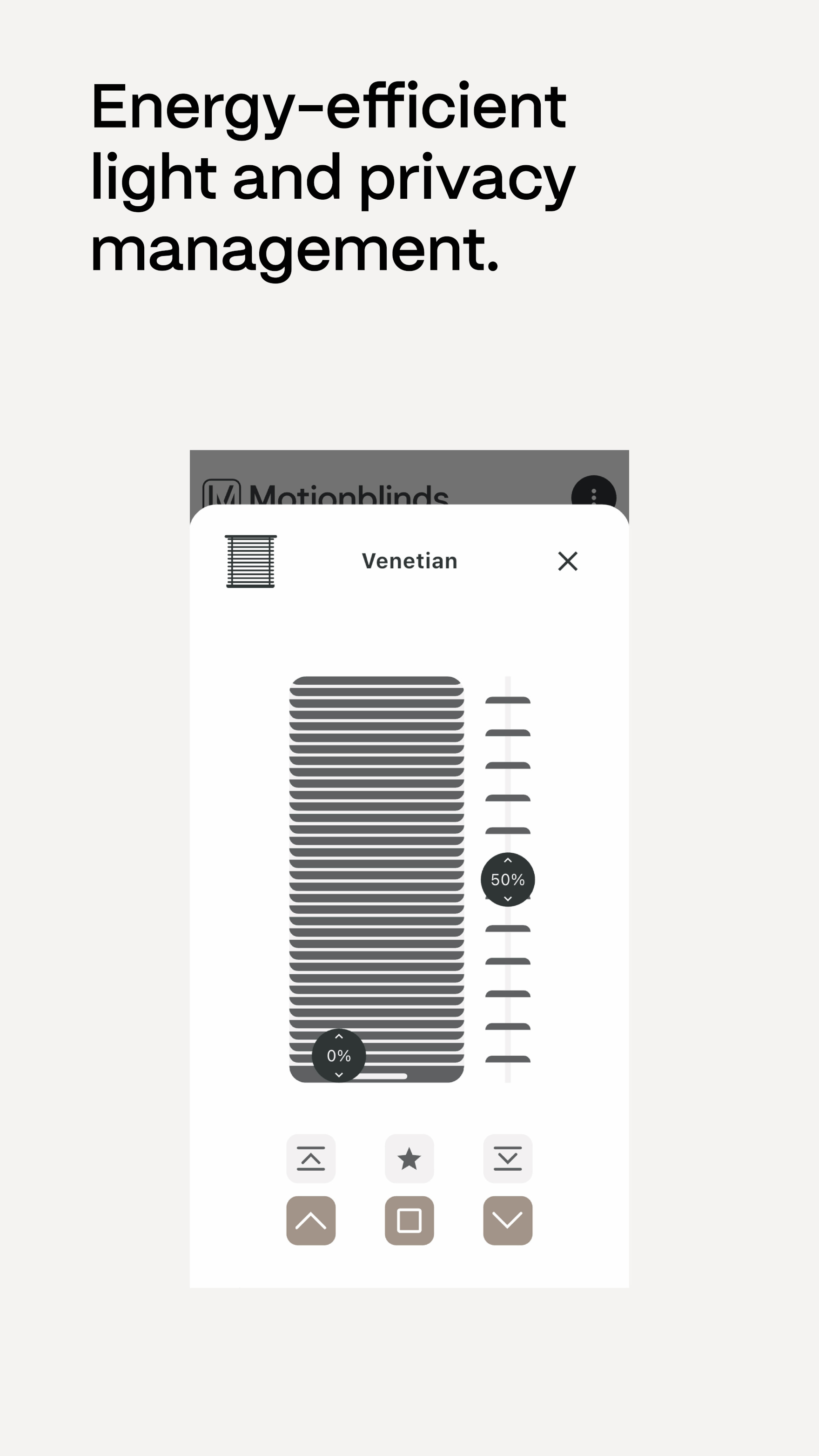
• Energy-efficient light and privacy management
Transform your living space with smart, effortless control over your window coverings.
更新日志
提升了稳定性。
安装步骤
特别说明:当前应用官方尚未出品对应的电脑版,可通过安卓模拟器运行官方正版应用apk的形式满足电脑端使用需求,以下是安装步骤:
1、首先在本站下载安装包的压缩文件,文件中包含一个安卓模拟器exe安装程序与一个当前应用的官方APK文件,先将压缩文件解压。
2、先点击安卓模拟器exe程序安装模拟器,双击“雷电模拟器.exe”文件,进入安装界面,用户可以点击“安装”选择系统默认的安装地址进行安装,也可以点击“自定义安装”自主选择安装路径,这里推荐自定义安装。
3、等待雷电模拟器安装完成,然后点击“立即启动”打开模拟器。
4、进入模拟器主界面,点击右上角图标选择“本地APK安装”按钮。
5、在弹出的窗口中,点击解压后的当前应用的APK文件,然后点击打开。
6、之后软件就会进入安装中,需要稍等片刻,软件安装完成后,就会出现在我的软件列表中,点击图标就可以双击打开使用了。

小编寄语
Motionblinds Matter Bridge作为一款简单易上手的休闲娱乐软件,Motionblinds Matter Bridge一直被用户广泛使用。下载之家小编还为大家提供了其他几款软件的下载途径,如我的世界联机盒子,DNF助手,KOOK,希望这些软件可以帮大家解决问题。